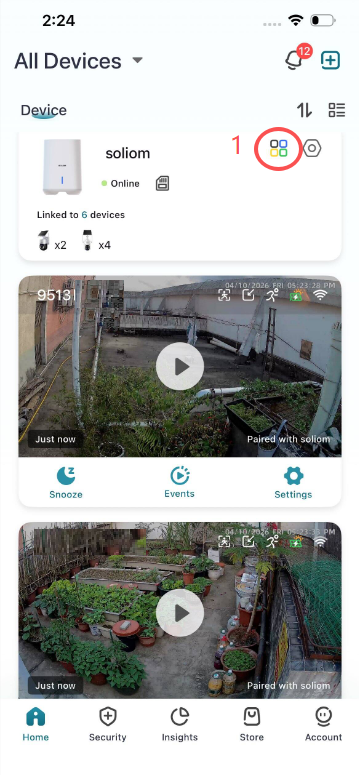
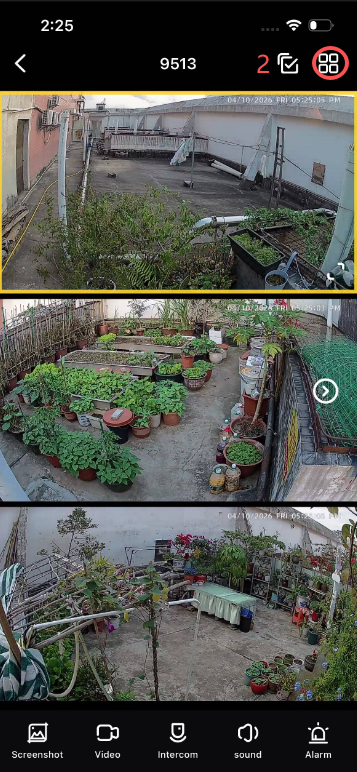
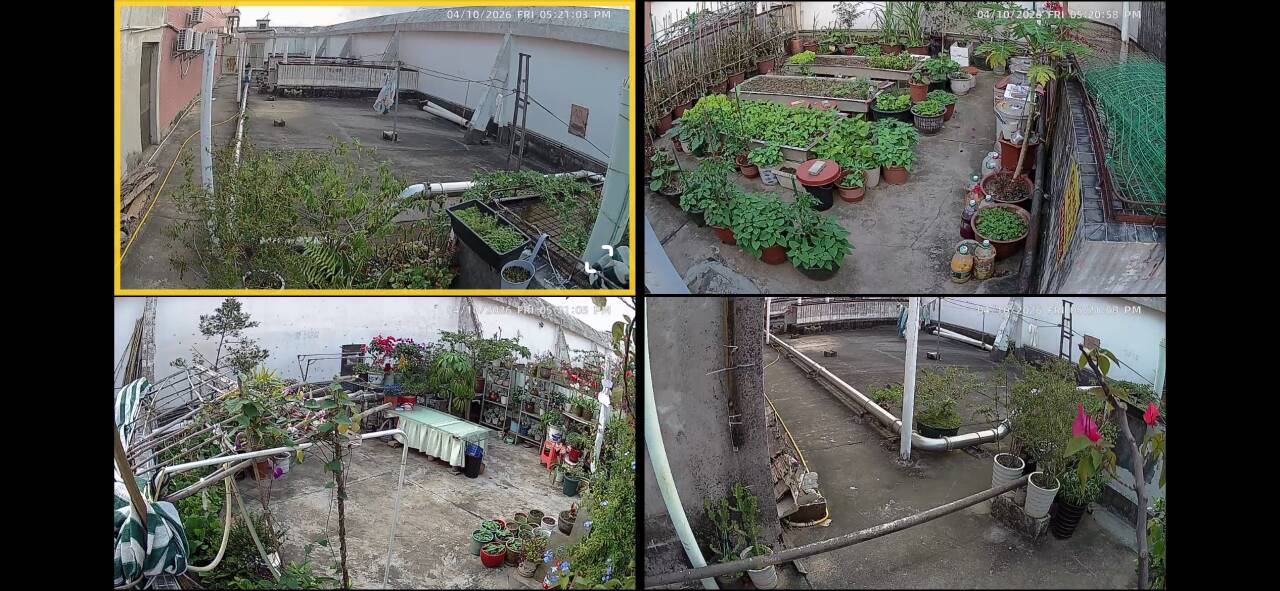
How do I view multiple cameras at once in the Soliom Home APP ? SOLIOM Support Center April 16, 2026 16:14 Updated You can view up to 4 cameras on one screen.Steps:Tap the four-square icon in the top-right corner of the app Related to view 2-4 cameras on one screen view multiple cameras at once Related articles How to view the Camera Videos on a PC? How much does the 4G Camera Cellular Data Cost Each Month? 4G data price My 5MP/8MP camera is not moving anymore How to Set up the SHB501/SH801 Base 5G WIFI Camera with the Soliom Home APP? What Should I do if Change a new Router or Wifi Password? Comments 0 comments Please sign in to leave a comment.

Comments
0 comments
Please sign in to leave a comment.